
What is an IP security camera system?
An IP security camera system is a digital surveillance network that captures video and transmits it over a local network using Internet Protocol, either through Ethernet cables or Wi-Fi, rather than traditional analog wiring. Each camera carries its own IP address, which means it functions as an independent networked device capable of advanced onboard processing, remote access, and integration with other building systems.
The core components of any IP camera system include:
- IP cameras with individual IP addresses and onboard image processors
- Network Video Recorder (NVR) or cloud storage for saving footage
- Ethernet or Wi-Fi connections to carry video data across the network
- PoE (Power over Ethernet) switches or injectors to deliver power and data through a single cable
- Mobile or desktop client software for remote viewing and management
IP cameras typically support resolutions from 1080p up to 4K and beyond, which is now common in current installations across commercial and residential properties. Common camera types include fixed dome cameras for interior coverage, PTZ (pan-tilt-zoom) units for wide-area outdoor monitoring, and thermal cameras for perimeter detection in low-light or no-light conditions. These systems serve businesses, schools, government facilities, and residential properties throughout Manhattan, Brooklyn, Queens, and Staten Island.
Table of Contents
- How IP cameras move video from capture to your screen
- How to set up your IP camera network: wired, PoE, and Wi-Fi options
- How to secure your IP camera network against cyber threats
- How IP camera systems compare to traditional analog CCTV
- Professional IP camera installation in NYC from YDA Security Systems NYC
- FAQ
- Key Takeaways
How IP cameras move video from capture to your screen
IP cameras do more than record. Each unit contains an onboard processor that compresses raw video using H.264 or H.265 encoding before sending it across the network, which dramatically reduces file size without sacrificing image clarity. That compressed stream travels over Ethernet or Wi-Fi to an NVR or cloud server, where it gets stored and indexed for retrieval.
Here is the basic flow from capture to viewing:
- Camera sensor captures raw video frames
- Onboard processor encodes footage using H.264 or H.265 compression
- Encoded stream transmits over Ethernet or Wi-Fi to the NVR or cloud
- NVR stores footage locally on hard drives; cloud platforms store it off-site
- Authorized users access live or recorded footage from any device with the client app
IP cameras operate fully on local networks without needing a constant internet connection. Internet access is only required when you want remote viewing or cloud-based features. That distinction matters for reliability: if your internet goes down, local recording continues uninterrupted to the NVR.
Recording modes include continuous 24/7 recording, motion-triggered clips, and schedule-based recording. Many modern IP cameras also run intelligent edge analytics directly on the camera, detecting motion zones, line crossings, or loitering without sending every frame to a central server first.

Pro Tip: When planning storage, factor in resolution carefully. Moving from 1080p to 4K quadruples your storage requirements, so calculate drive capacity based on your highest-resolution cameras, your frame rate, and your intended retention period before purchasing an NVR.
How to set up your IP camera network: wired, PoE, and Wi-Fi options
The network connection you choose shapes everything about your installation, from cable runs to long-term reliability. Wired Ethernet remains the most dependable option for commercial properties and any location where consistent video quality is non-negotiable.
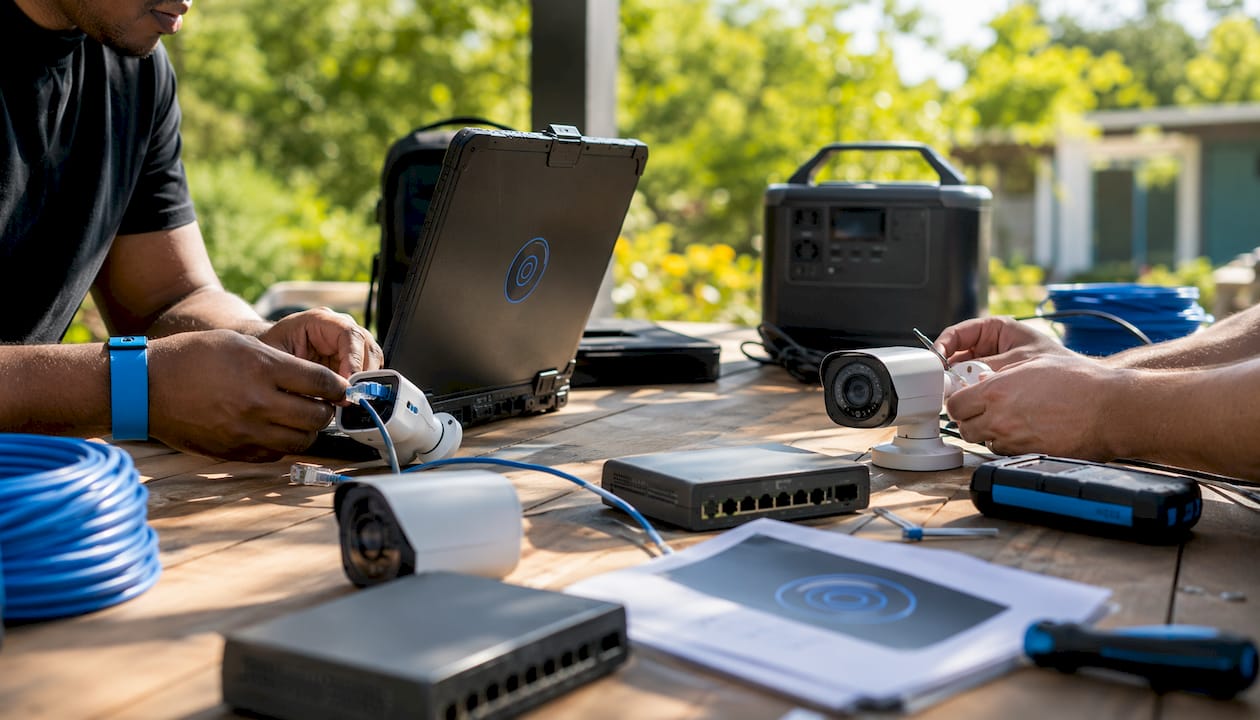
Power over Ethernet (PoE) is the dominant installation method in 2026 for good reason. A single Cat5e or Cat6 cable carries both power and data to each camera, eliminating the need for separate power outlets at every mounting location. This simplifies installation considerably, particularly in drop ceilings, conduit runs, and exterior mounting points common in NYC commercial buildings.
Key networking considerations for any IP camera deployment:
- PoE switches power multiple cameras from a central rack location; choose a switch with sufficient wattage per port for your camera models
- NVR with built-in PoE ports combines recorder and switch into one unit, ideal for smaller systems
- Ethernet cable runs must stay within 328 feet to avoid signal and power loss; longer paths require an additional switch midway
- Wi-Fi cameras work well for retrofits where running cable is impractical, but they are more susceptible to interference and bandwidth congestion
- Bandwidth planning is critical: a 4K camera at full frame rate can consume 8–16 Mbps, so your network switch and router must handle the aggregate load of all cameras simultaneously
Pro Tip: In large commercial buildings in Manhattan or Brooklyn, cable paths through fire-rated walls and elevator shafts often exceed 328 feet. Plan your switch locations before installation begins, not after, to avoid costly rework.
IP cameras use standard protocols including ONVIF and RTSP to communicate with NVRs, Video Management Systems (VMS), and smart home platforms. ONVIF ensures that cameras from different manufacturers work together on the same system, while RTSP lets authorized software pull a live video stream directly from the camera. This interoperability makes IP systems far easier to expand or integrate with access control and intercom systems than proprietary analog setups. For property managers overseeing multiple buildings, a VMS platform can consolidate all camera feeds into a single interface, regardless of which brand of camera is installed at each site.
How to secure your IP camera network against cyber threats
An IP camera is a networked computer, and like any networked device, it is a potential entry point for unauthorized access if left improperly configured. Strong credential management and network segmentation are the two most critical defenses for any IP camera deployment.
Follow this security checklist for every installation:
- Change default credentials immediately. Factory usernames and passwords are publicly documented; leaving them in place is the single most common vulnerability in deployed camera systems.
- Use unique, complex passwords for each camera and the NVR, and store them in a password manager rather than a shared spreadsheet.
- Segment your camera network. Place cameras on a dedicated VLAN or subnet, isolated from your guest Wi-Fi and general office network, to limit lateral movement if any device is compromised.
- Enable HTTPS and encrypted streams where the camera firmware supports it, preventing unencrypted video from being intercepted on the local network.
- Update firmware regularly. Manufacturers release patches for known vulnerabilities; an unpatched camera running two-year-old firmware is a known risk.
- Disable unused services. Turn off Telnet, FTP, and any remote access ports you do not actively use.
- Restrict remote access to a VPN rather than exposing the NVR’s web interface directly to the internet.
Network segmentation deserves particular attention. Placing cameras on a separate network segment means that even if a guest device on your Wi-Fi is compromised, it cannot reach your camera feeds or NVR directly. For commercial properties in Queens or Staten Island managing both tenant Wi-Fi and security infrastructure, this separation is a practical necessity, not an optional refinement.
How IP camera systems compare to traditional analog CCTV
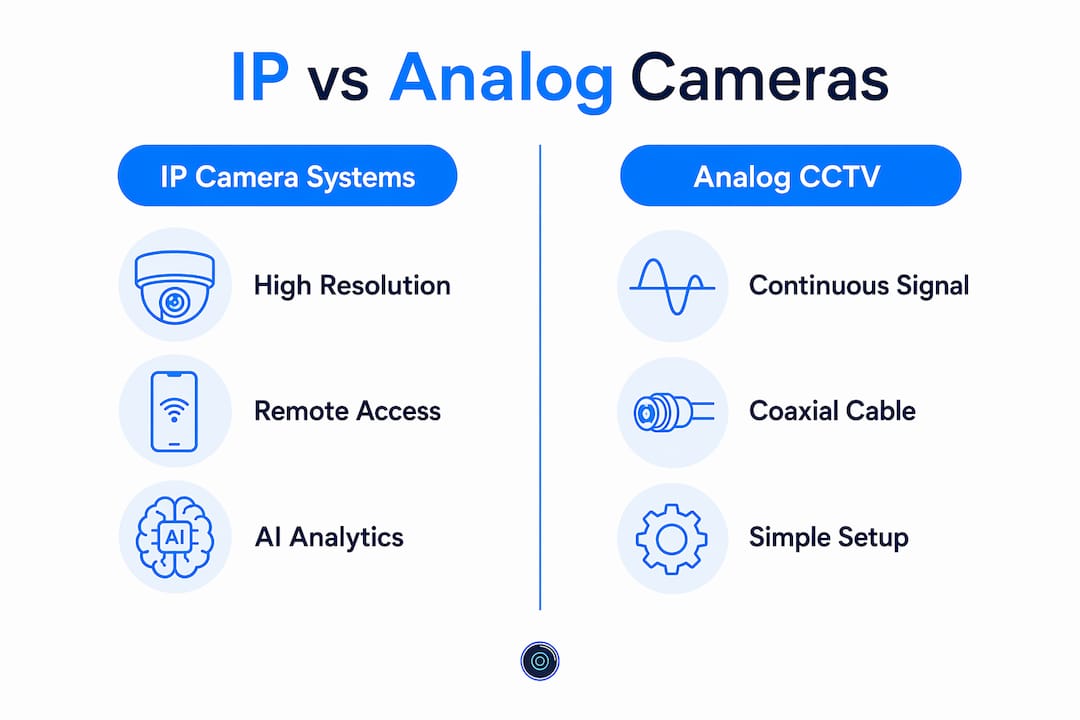
Analog CCTV systems transmit video as a continuous electrical signal over coaxial cable to a Digital Video Recorder (DVR). IP systems replace that analog signal with a digital data stream, and that fundamental difference cascades into every aspect of performance, installation, and capability.
| Feature | IP camera systems | Analog CCTV systems |
|---|---|---|
| Resolution | 1080p to 4K and beyond | — |
| Cabling | Single Cat5e/Cat6 with PoE | Separate coax + power cables |
| AI analytics | Facial recognition, line crossing, loitering | Not available natively |
| Storage | NVR, cloud, or SD card | DVR with coax-connected hard drives |
| Scalability | Add cameras without rewiring | Each camera needs new coax run |
| Remote access | Native via app or browser | Requires additional hardware |
| Retrofit suitability | Moderate (new cabling often needed) | High (existing coax reusable) |
AI analytics in IP cameras reduce false alarms by distinguishing between a person crossing a defined line and a tree branch moving in the wind. Analog systems simply cannot perform that kind of edge processing. The industry-wide shift toward IP systems reflects both the lower total cost of ownership over time and the installation simplicity that PoE delivers.
That said, analog systems remain a practical choice for retrofits where existing coaxial cable is already in place and identification needs are basic. A warehouse with a legacy DVR and functional coax runs may not justify a full IP overhaul if the existing system meets current requirements. For new construction, multi-tenant buildings, or any property where scalability and advanced analytics matter, IP is the clear choice. You can read a detailed breakdown of both options in our IP vs. analog camera comparison.
Professional IP camera installation in NYC from YDA Security Systems NYC
YDA Security Systems NYC installs IP security camera systems for residential and commercial properties across Manhattan, Brooklyn, Queens, and Staten Island, with every project handled by licensed and insured low-voltage technicians. Rather than handing you a box of equipment and a manual, we design the network layout, run the structured cabling, configure the NVR, and verify remote access before we leave the site. Our installations carry a 1-year warranty, and we have completed thousands of jobs across NYC.
Property owners who have read this far understand what separates a properly configured IP system from one that looks installed but performs poorly. Credential hardening, network segmentation, correct PoE cable lengths, and storage planning are not afterthoughts in our process. They are part of every installation. If you are ready to upgrade your property’s surveillance infrastructure, schedule your camera installation with YDA Security Systems NYC today.
FAQ
Which is better: an IP camera or a traditional security camera?
IP cameras deliver higher resolution, remote access, AI analytics, and easier scalability than traditional analog CCTV cameras. For new installations or properties requiring advanced features, IP is the stronger choice; analog remains viable only where existing coaxial infrastructure makes rewiring impractical.
Do IP cameras need Wi-Fi to work?
No. IP cameras operate over wired Ethernet connections and record locally to an NVR without any internet connection. Wi-Fi or internet access is only required if you want to view footage remotely from a phone or computer outside the local network.
Can I view an IP camera on my phone?
Yes. Most IP camera systems include a mobile app or browser-based client that lets you view live and recorded footage from any smartphone, provided your NVR or camera is accessible over the internet or through a VPN.
How much storage does an IP camera system need?
Storage needs depend on resolution, frame rate, number of cameras, and retention period. Moving from 1080p to 4K quadruples the storage required per camera, so proper planning before purchasing an NVR is critical to avoid running out of space mid-deployment.
Key Takeaways
IP security camera systems outperform analog CCTV in resolution, scalability, and analytics, but only when properly configured with correct cabling, network segmentation, and credential management.
| Point | Details |
|---|---|
| Resolution and storage | IP cameras support 1080p to 4K; moving to 4K quadruples storage requirements per camera. |
| PoE cable limits | Ethernet runs must stay within standard maximum cable lengths; longer paths require an additional network switch. |
| Internet not required | Cameras record locally to an NVR without internet; connectivity is only needed for remote viewing. |
| Cybersecurity essentials | Change default credentials, segment the camera network, and update firmware regularly to prevent unauthorized access. |
| YDA Security Systems NYC | Licensed NYC technicians handle full IP camera design, cabling, configuration, and a 1-year warranty on every installation. |
Recommended
- IP vs Analog Security Cameras: Which System Is Best? – YDA Security Systems NYC
- How to Install a Home Security Camera System – YDA Security Systems NYC
- Security Camera with Installation: Complete Guide for 2025 – YDA Security Systems NYC
- Step-by-Step Guide for Easy Security Camera Installation – YDA Security Systems NYC

