
A business surveillance setup is a configured network of cameras, recorders, and monitoring tools designed to protect commercial property from theft, unauthorized access, and liability. The right configuration depends on your property type, size, and specific vulnerabilities. The examples of business surveillance setups covered here range from simple four-camera office systems to multi-building campus networks, giving you a practical framework for evaluating what fits your operation. YDA Security Systems NYC has deployed these configurations across more than 5,000 commercial and residential properties in New York City, and the patterns below reflect what actually works.
Common types of business surveillance setups
Business surveillance, also called commercial CCTV installation (closed-circuit television), divides into two broad categories: analog systems using DVRs (digital video recorders) and IP-based systems using NVRs (network video recorders). Analog systems are lower cost but limited in resolution and flexibility. IP-based NVR systems deliver higher image quality, remote access, and easier expansion, making them the standard choice for most new installations.
Camera form factors matter as much as the recording technology. Dome cameras suit interior spaces because their low-profile housing minimizes customer intimidation while providing wide-angle coverage. Bullet cameras work best outdoors, where their visible housing acts as a deterrent. PTZ (pan-tilt-zoom) cameras add active tracking capability for large open areas like parking lots or warehouses.
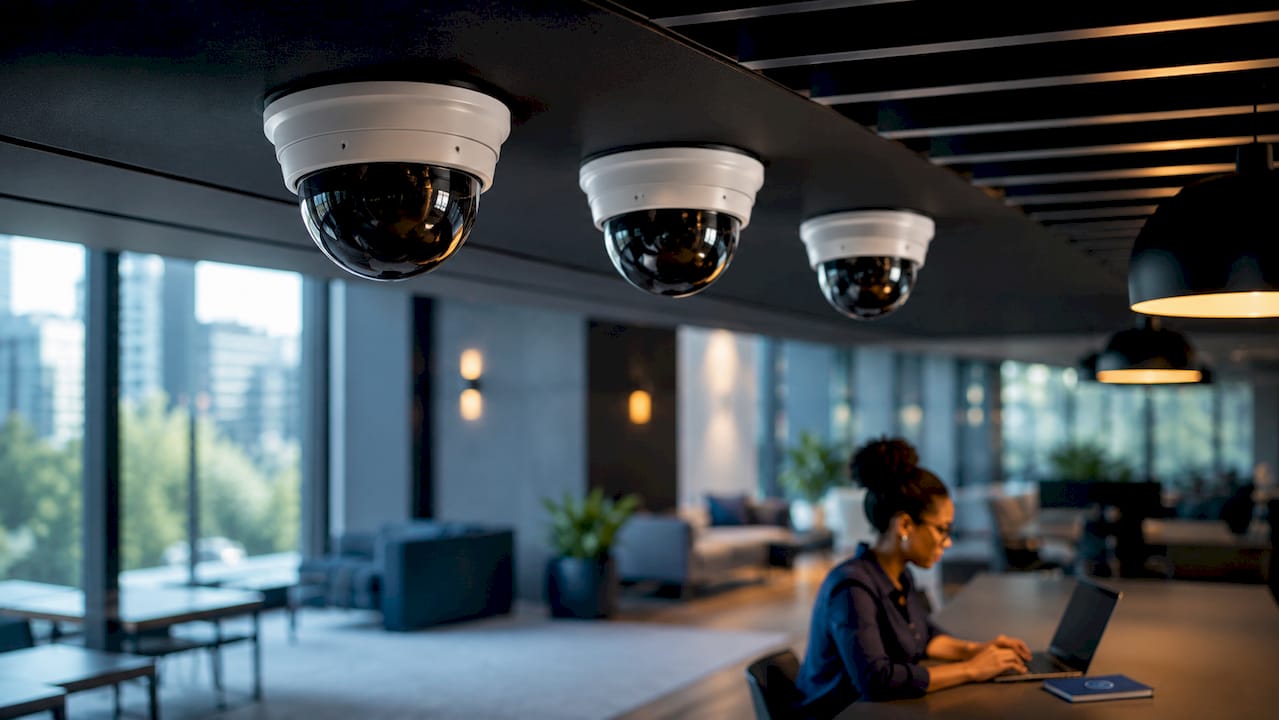
Most modern systems also support remote viewing through mobile apps, letting you check live feeds or review recorded footage from a phone or tablet. Motion detection, scheduled recording, and alert notifications are now standard features across most mid-range and enterprise platforms. Storage options range from local NVR hard drives to cloud backups, and the best setups use both.
Pro Tip: Always pair your NVR with an uninterruptible power supply (UPS). A power outage is one of the most common moments a break-in occurs, and a UPS keeps your cameras and recorder running when the grid goes down.
1. Small office PoE camera system with NVR
A Power over Ethernet (PoE) camera system with a dedicated NVR is the most practical starting point for small offices, retail shops, and service businesses. PoE with NVR is the preferred setup for typical small business environments because a single Ethernet cable carries both power and data to each camera, reducing installation complexity and cost. A four to sixteen camera configuration covers entry points, registers, stockrooms, and parking areas without requiring a large infrastructure investment.
This setup scales easily. You add cameras by connecting them to open PoE ports on the NVR or a PoE switch, with no rewiring required. Resolution options typically range from 4MP to 4K, giving you clear footage for identifying faces and license plates. For a retail shop or small professional office, this configuration delivers reliable coverage at a manageable cost.
2. Outdoor perimeter setup with bullet cameras
Warehouses, distribution centers, and properties with large parking areas need a perimeter-focused configuration built around bullet cameras. Bullet cameras provide visible deterrence, and their weatherproof housings handle rain, dust, and temperature extremes. Mounting them at building corners, loading dock entrances, and fence lines creates overlapping coverage zones with no blind spots.
This configuration typically pairs bullet cameras with a high-capacity NVR. Local NVRs supporting up to 128 TB of storage allow continuous 24/7 recording without relying on cloud services. That matters for warehouses where footage retention requirements often extend 30 to 90 days. Adding infrared or color night vision to the camera selection extends effective coverage into low-light conditions, which is when perimeter breaches most often occur.
3. Integrated system with access control and dome cameras
Retail stores, corporate offices, and medical facilities benefit most from a system that combines indoor dome cameras with electronic access control. Integrating cameras with access control creates a complete security foundation: access logs show who entered a door, and camera timestamps confirm what happened at that moment. This pairing is particularly effective for investigating internal theft or unauthorized entry.
Dome cameras are the right choice for this environment. Their discreet housing blends into ceilings without alarming customers or staff, and their wide field of view covers entire rooms from a single mounting point. YDA Security Systems NYC installs these integrated configurations with a one-year warranty on all hardware and labor, providing meaningful assurance for businesses that cannot afford downtime.
4. AI-enabled setup with acoustic detection and alarm integration
An AI-enabled configuration adds a layer of proactive security that standard camera systems cannot match. These systems use video analytics to detect specific objects, such as people or vehicles, and trigger alerts only for relevant events. That reduces false alarms caused by lighting changes or moving foliage, which is a common frustration with basic motion detection.
The most underused feature in this category is acoustic detection. Acoustic detection features like Alarm Manager analyze audio streams from cameras to recognize specific sounds, including glass breaking, smoke alarms, and gunshots. The system sends a real-time alert the moment it detects a predefined sound, even without separate alarm hardware installed. This improves response times and reduces the cost of building out a full alarm infrastructure alongside your camera network.
Pro Tip: Acoustic detection works best when cameras are positioned near windows, entry doors, and server rooms. These are the locations where glass break and intrusion sounds are most likely to originate.
5. Multi-building campus system with centralized monitoring
Shopping malls, university campuses, and multi-tenant commercial properties require a centralized architecture that aggregates feeds from multiple buildings into a single monitoring interface. This configuration uses a core NVR or video management software (VMS) platform connected to cameras across all buildings via a private network or fiber backbone. Security staff monitor all locations from one control room, and alerts from any building appear on a unified dashboard.
Remote viewing via smart devices extends this capability to property managers who are not on-site. A property manager overseeing three buildings can review an incident on a phone within seconds of receiving an alert. This setup also supports professional monitoring subscriptions, where a third-party security operations center watches feeds around the clock. Professional monitoring costs range from $24.99 per month for basic plans to more than $69.99 per month for premium outdoor protection packages.
6. Retail loss prevention setup with PTZ and analytics
High-traffic retail environments need a configuration that covers wide floor areas while enabling operators to zoom in on specific incidents. A PTZ camera positioned at the center of a sales floor can track a person of interest across the entire space without requiring multiple fixed cameras. Fixed dome cameras at checkout counters and stockroom entrances complement the PTZ by providing continuous coverage of high-risk zones.
Video analytics add significant value here. Person detection filters out irrelevant motion and flags only human activity in restricted areas, such as stockrooms or back offices. This reduces the time staff spend reviewing footage and increases the likelihood of catching incidents in real time. For retailers managing multiple locations, a centralized VMS platform lets loss prevention teams review footage from all stores without traveling to each site.
7. Budget hybrid system for startups and small property managers
A hybrid system combines a small number of IP cameras with a basic NVR and selective cloud backup, giving startups and small property managers meaningful coverage without a large upfront investment. This configuration typically uses four to eight cameras covering primary entry points, cash handling areas, and parking. The NVR handles local storage, and cloud backup covers the most recent 24 to 72 hours as a redundancy layer.
The tradeoff is monitoring depth. A budget hybrid system works well for properties with lower risk profiles and owners who are comfortable with self-monitoring. Self-monitoring reduces monthly costs compared to professional monitoring subscriptions, but it places the response burden on the owner. For businesses that grow, this setup scales by adding cameras to open NVR ports and upgrading to a professional monitoring plan when the budget allows.
8. High-security server room and data center setup
Server rooms and data centers require a configuration built around access control, continuous recording, and environmental monitoring. A typical setup uses two to four dome cameras covering every entry point and the server racks themselves, paired with a keycard or biometric access control system. Every entry event generates both an access log and a camera timestamp, creating an auditable record for compliance purposes.
This configuration also benefits from AI-based facilities monitoring. AI solutions for facility owners can detect anomalies like unauthorized presence during off-hours or unusual movement patterns near sensitive equipment. Backup power through a UPS is non-negotiable in this environment. A server room camera that goes offline during a power event provides no protection at the exact moment it is most needed.
How to choose the right setup for your property
Selecting the right configuration starts with an honest assessment of your property’s vulnerabilities. A single-floor retail shop has different exposure than a multi-story office building or an outdoor storage facility. The factors below guide that assessment.
Property size and layout determine camera count and placement. A small office may need four cameras; a warehouse complex may need sixty. Entry points, blind spots, and high-value asset locations all require dedicated coverage. Lighting conditions at each location determine whether you need standard, infrared, or full-color night vision cameras.
Budget shapes the balance between upfront hardware costs and ongoing monitoring fees. A professionally monitored system adds a monthly expense but provides 24/7 response capability. Self-monitored systems cost less per month but require the owner to act on alerts personally. For most small businesses, a hybrid approach works well: local NVR storage with cloud backup and optional professional monitoring during high-risk hours.
Scalability determines whether your system grows with your business. IP-based NVR systems with open PoE ports add cameras without replacing core infrastructure. Integrated surveillance planning guides recommend designing for at least 30% more camera capacity than your current needs, so expansion does not require a full system replacement.
Integration with existing security measures, including alarms, access control, and intercoms, multiplies the value of each component. A camera that triggers an alarm and locks a door simultaneously is more effective than three separate systems that do not communicate.
Key takeaways
The most effective business surveillance setup combines the right camera types, a high-capacity NVR, and integration with access control to create a layered, verifiable security record.
| Point | Details |
|---|---|
| Match camera type to location | Use dome cameras indoors for discreet coverage and bullet cameras outdoors for visible deterrence. |
| Prioritize local storage | NVRs with high-capacity drives maintain continuous recording even when internet or cloud access fails. |
| Integrate access control | Pairing cameras with access control creates timestamped, auditable records of every entry event. |
| Plan for acoustic detection | Alarm Manager-style features detect glass breaks and smoke alarms without requiring separate hardware. |
| Build in scalability | Choose NVR systems with open PoE ports so you can add cameras as your property or risk profile grows. |
YDA Security Systems NYC: tailored surveillance for your property
YDA Security Systems NYC designs and installs commercial surveillance configurations for offices, retail stores, warehouses, and multi-building properties across New York City. Every installation is performed by licensed and insured technicians and backed by a one-year warranty on all hardware and labor.
Whether you need a four-camera PoE setup for a small shop or a centralized multi-building system with access control integration, we assess your property, identify vulnerabilities, and recommend a configuration that fits your budget and monitoring goals. With over 5,000 jobs completed, YDA Security Systems NYC delivers the kind of reliability that property managers and business owners depend on. Contact us through security-systems.nyc to schedule a consultation and get a personalized security assessment for your property.
FAQ
What are the most common types of surveillance cameras for businesses?
Dome cameras, bullet cameras, and PTZ cameras are the three most common types. Dome cameras suit interiors, bullet cameras work best outdoors, and PTZ cameras cover large open areas with active tracking.
How do I set up business surveillance for a small office?
A PoE camera system with four to sixteen cameras connected to an NVR is the standard starting point for small offices. This setup is affordable, scalable, and supports remote viewing from mobile devices.
What is the difference between DVR and NVR systems?
DVR systems record analog camera signals and are typically lower cost but limited in resolution. NVR systems record digital IP camera feeds, offering higher resolution, easier expansion, and remote access capabilities.
How much does professional monitoring cost for a business?
Professional monitoring subscriptions range from $24.99 per month for basic plans to more than $69.99 per month for premium packages that include outdoor protection and faster response times.
Can business surveillance cameras detect sounds as well as video?
Yes. Systems with acoustic detection features analyze audio streams to recognize specific sounds like glass breaking or smoke alarms, sending real-time alerts without requiring separate alarm hardware.

